 EditTextPhoto
Upload your image
Choose a JPG, PNG or WebP photo. The picture remains in your browser while you work.
Adding new words is different from replacing words already embedded in image pixels. Upload a JPG, PNG or WebP, create movable text layers, style them and download the finished PNG without using AI credits.
Images stay in your browser. Translation sends only the active English text.
Upload the image, write and position the new words, then style and export the completed composition.
Choose a JPG, PNG or WebP photo. The picture remains in your browser while you work.
Create one or more text layers, enter the new words and drag each selected layer to the intended position.
Adjust the font, outline, shadow or background, preview the finished picture, then sign in and download without spending AI credits.
Plan contrast, size, position and layer count so the message stays readable without hiding the picture.
Choose a text color that separates from the image. Add an outline, shadow or background panel when the photo contains mixed light and dark areas.
Set the size for the final viewing context, then preview the image at a smaller scale so captions and labels remain easy to read.
Drag words away from faces, products and important details. Leave enough space around the edges for the selected crop.
Use separate layers when a headline, label and call to action need different styles or positions, but keep each message concise.
See how captions, offers, dates and multiple text layers can work across different pictures.
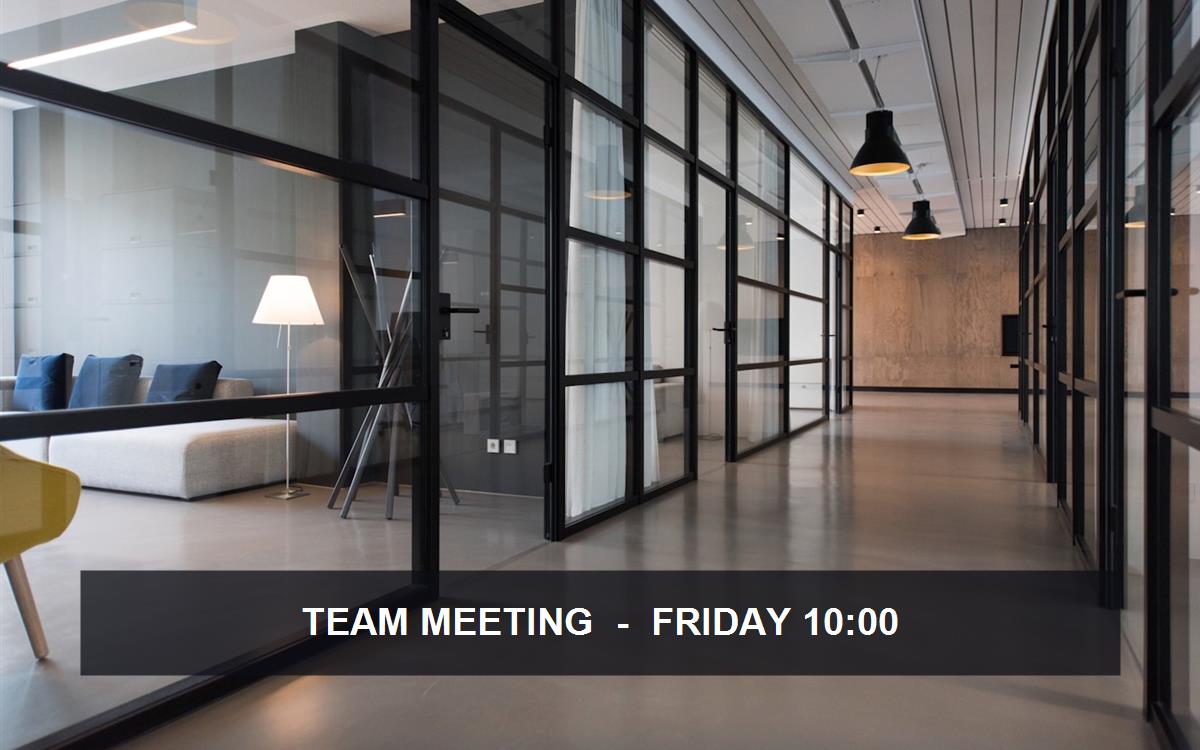 TEAM DAY · FRIDAY
Add text to a photo as a clear event headline, then use a 1:1 or 4:5 crop for social publishing.
 NEW · 20% OFF
Put text over a picture with an outlined display font so the offer stays readable against the product image.
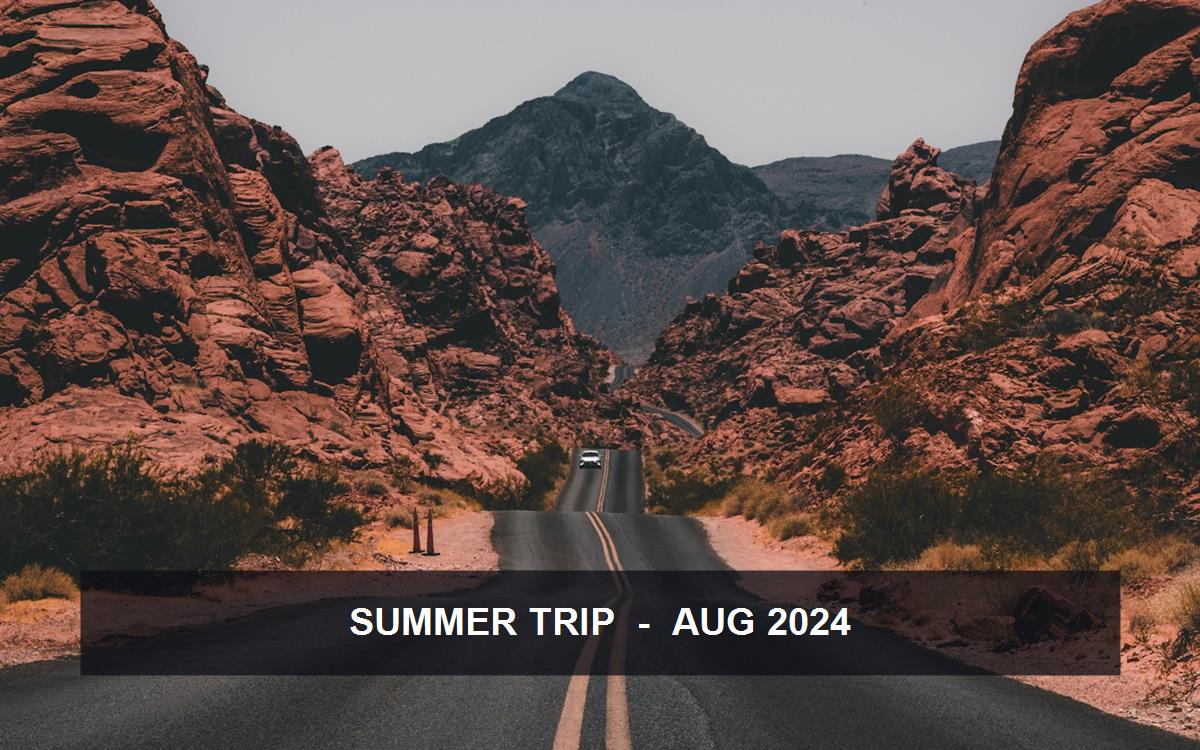 ROME · SUMMER 2026
Add text to the image as a date and location label, using a soft handwritten style for a personal photo.
 QUICK GUIDESAVE FOR LATER
Use the pic text editor to create separate heading and note layers, then select and reposition either text group.
Choose the correct page for a new text layer, a focused caption or words already embedded in an image.
This free tool places a new caption or label over an existing picture and exports the combined design as a PNG.
Creators, sellers, students and small teams can compose the full overlay without installing design software. Sign-in is required only when downloading the PNG.
Create up to eight overlays and click either the words on the canvas or an item in the layer list to edit that group. Crop presets keep each layer in the same relative position.
The focused controls make simple overlays faster, while full design software remains more suitable for custom fonts, curved text and complex multi-layer layouts.
Upload an image above and create the overlay, or use the related tool when you need to replace existing words.
Edit existing image text →Use the caption workflow for guidance on position, readability, social crops and the difference between adding and replacing words.
Add Caption to Image →Use format-specific guidance or learn how outline, shadow and thumbnail headline controls fit the task.
Add Text to JPG · Add Text to PNG · Add Outline Text to an Image · Add Shadow to Text on an Image · Add Text to a ThumbnailAdd to WebP, build a tiled watermark, use a text panel, rotate a layer or compose for social crops.
WebP · Watermark · Background · Rotate · SocialUse this table to match the job to the correct page. This page adds new layers; it does not reconstruct words already embedded in image pixels.
| Task | Use this page | What it does |
|---|---|---|
| Add a completely new text layer | Add Text to Image | Create movable headlines, labels or calls to action. |
| Write an image caption or social message | Add Caption to Image | Place concise explanatory copy over a photo. |
| Change text already inside an image | Edit Text in Image | Use AI to remove and reconstruct embedded wording. |
| Add a watermark or signature | Add Text Watermark | Apply one mark or repeat it across the image. |
| Add outline, shadow or a text panel | Text Style Tools | Improve contrast with focused text styling controls. |
| Rotate a new text layer | Rotate Text on Image | Set the angle and reposition the overlay. |
Upload and edit for free, then sign in to download your PNG without using credits.
Add text to a photoNew to overlays? Read how to add text without Photoshop or the image text readability guide.